Citrix DaaS vs On-Premises CVAD: What Moves to the Cloud
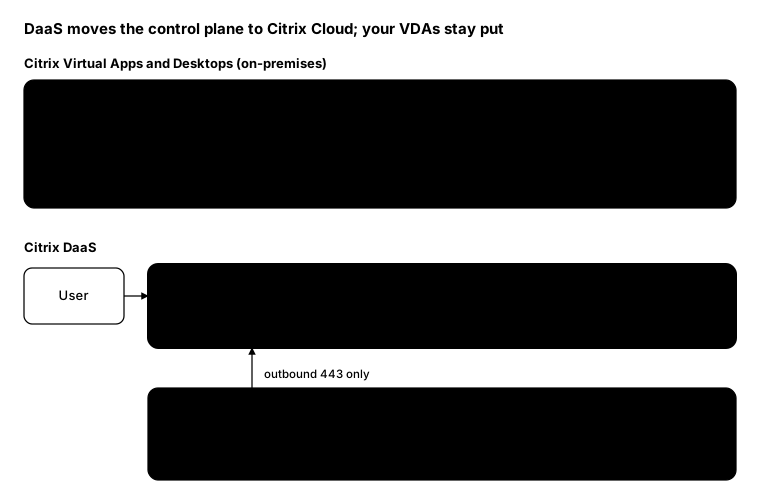
Citrix DaaS (formerly Citrix Virtual Apps and Desktops service) runs the Citrix control plane for you. Delivery Controllers, the SQL site database, the licence server and the management console all move to Citrix Cloud. Your VDAs don’t move at all.
That makes DaaS less of a migration than people expect. The parts users touch every day stay the same; the parts you used to patch on a Sunday go away.
Architecture side by side
What Citrix runs
Per Citrix’s technical security overview, Citrix Cloud runs the control plane: Delivery Controllers, management consoles, the SQL database and the licence server. It holds metadata such as user names, machine names and application shortcuts, not your data.
Optionally, Citrix also runs:
- Citrix Workspace: the cloud store, replacing StoreFront
- Citrix Gateway service: the cloud gateway, replacing NetScaler Gateway for HDX proxy
What you still run
- VDAs: in your data centre or any public cloud, with your images and applications
- Cloud Connectors: at least two per resource location, linking it to Citrix Cloud
- Active Directory and hypervisors: the Connectors talk to both
- Profiles and data: they never leave your resource location
Cloud Connectors only need outbound port 443 to Citrix Cloud, and they work behind a proxy. With the Gateway service, no inbound firewall rules are needed at all.
Translating the terms
| On-premises CVAD | Citrix DaaS |
|---|---|
| Site | Citrix Cloud tenant |
| Zone | Resource location |
| Delivery Controller | Cloud Connector (local) plus Citrix-run controllers |
| Citrix Studio | Web Studio in Citrix Cloud |
| Site database (SQL) | Citrix-run |
| Licence server | Citrix-run |
| StoreFront | Citrix Workspace (or keep StoreFront) |
| NetScaler Gateway | Gateway service (or keep NetScaler) |
| Director | Monitor in Citrix Cloud |
| Local Host Cache | Local Host Cache on Cloud Connectors |
| CVAD PowerShell SDK | Remote PowerShell SDK |
What doesn’t map one-to-one
- You can keep StoreFront and NetScaler. DaaS works with customer-managed StoreFront and NetScaler if you need their features or want users to see no change.
- The old PowerShell SDK stops working. Citrix says the on-premises SDK “cannot cross the secure boundary” to the control plane. Install the Remote PowerShell SDK on a domain-joined machine, not on a Cloud Connector.
- Some cmdlets are gone. Anything about the database or controllers, such as
Get-BrokerDBConnectionandGet-BrokerController, is disabled in DaaS. - Group Policy doesn’t migrate itself. Citrix settings in domain and OU GPOs need to be moved separately.
- Plan for the internet being down. Local Host Cache on the Cloud Connectors keeps brokering going if Citrix Cloud is unreachable; test it before you need it.
From the field: moving and checking with PowerShell
Move the configuration. Citrix’s Automated Configuration tool exports an on-premises site and merges it into DaaS. Exporting doesn’t change the on-premises site.
# On a Delivery Controller (or any machine with Studio and the SDK)
Export-CvadAcToFile

# On a machine with access to Citrix Cloud, after filling in CustomerInfo.yml and ZoneMapping.yml
Merge-CvadAcToSite
Count sessions in DaaS. The Remote PowerShell SDK uses the same cmdlets as on-premises, so most scripts carry straight over.
Get-XDAuthentication     # sign in to Citrix Cloud once per PowerShell session

Get-BrokerSession -MaxRecordCount 100000 |
    Group-Object DesktopGroupName |
    Select-Object Name, Count
For unattended scripts, use Set-XDCredentials with an API secure client from the Citrix Cloud console instead of
an interactive sign-in.
Bottom line
DaaS takes the control plane off your hands and leaves the session hosts with you. Moving is mostly about Cloud Connectors, a new PowerShell SDK and Group Policy, not about rebuilding desktops.